
The free IPTV player
for Android TV
Closed beta
A free IPTV player for Android and Google TV. Add your M3U or Xtream Codes playlist and start watching in seconds.
Closed beta on Google Play · Android TV 9 and newer
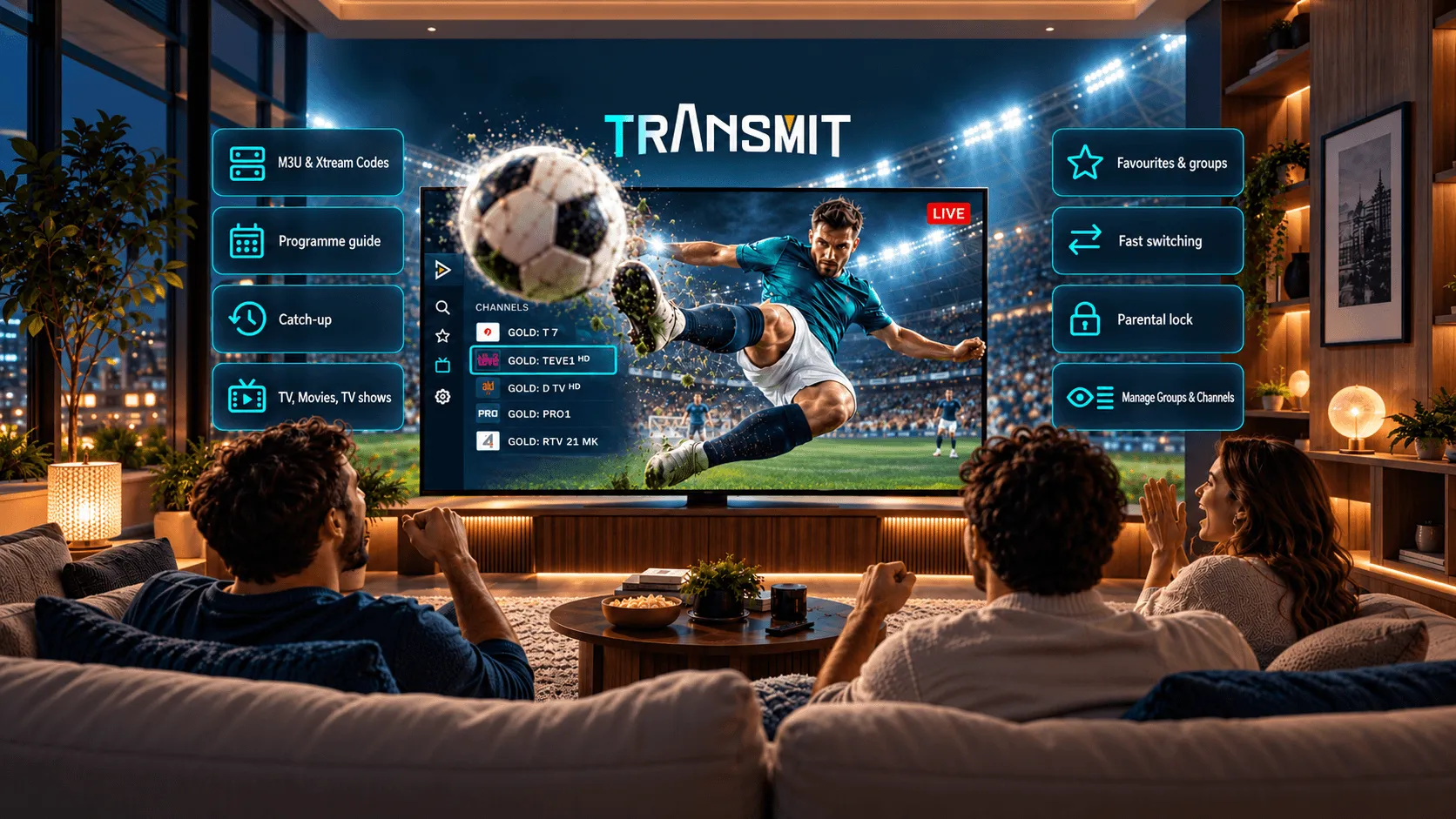
Made for the big screen
Easy to use with your remote, quick to switch channels and simple to keep your favorites close.
Paste a playlist URL, upload a file or sign in with your Xtream Codes login. Multiple playlists at once.
XMLTV EPG with a dense 30-minute grid, now and next on every channel, mono times.
Rewind to programmes you missed when your provider supports catch-up or timeshift.
Star channels, hide the ones you never watch and keep your provider's groups intact.
Hardware decoding, quick channel change with number keys and a last-channel button.
PIN-protect groups or single channels. The lock follows the playlist, not the device.
Up and running in minutes
- 01Install Transmit IPTVTransmit is in closed beta. Request an invite and install it from Google Play on your Android TV or Google TV when your spot opens.
- 02Add your playlistPaste an M3U link, load a file, or sign in with your Xtream Codes details.
- 03Start watchingBrowse your channels by group and start watching with a single click.
Made for a remote, ten feet away
Big targets, clear focus states and no menus deeper than two levels.
Free.No ads.
Transmit is a player, not a service. It's in closed beta on Google Play; testers get in by invite.
What is Transmit IPTV?
Transmit IPTV is a free media player for Android TV and Google TV. Add your own playlist and watch live TV, movies and series in a clean, easy-to-use interface.
Does it include any channels?
No. Transmit IPTV is a player only and does not provide any channels or content. To start watching, add a playlist from your own provider.
Can I get it now?
Transmit IPTV is in closed beta. Request an invite with your email and we'll let you know when your spot opens.
Is it free?
Yes, Transmit IPTV is completely free to use.
Which formats are supported?
Transmit IPTV supports M3U playlists and Xtream Codes.
Can I use more than one playlist?
Yes. You can add multiple playlists and switch between them anytime.
Which devices are supported?
Transmit IPTV is currently available for Android TV and Google TV. Support for more devices may come in the future.
Do my playlists sync across devices?
No. Playlists are stored on the device where you add them, so you'll need to add them separately on each TV.
Is there parental control?
Yes. Set a PIN and lock whole groups or single channels, so they only open when the PIN is entered.
Can I save favorites?
Yes. Mark any channel as a favorite for quick access.
Which languages does the app support?
The app is currently available in English. More languages will be added later.
Is my data private?
Yes. Your playlists and settings are stored only on your TV and are never sent to our servers.
Where do I report a problem?
Email us at support@transmitiptv.app and we'll get back to you as soon as possible.